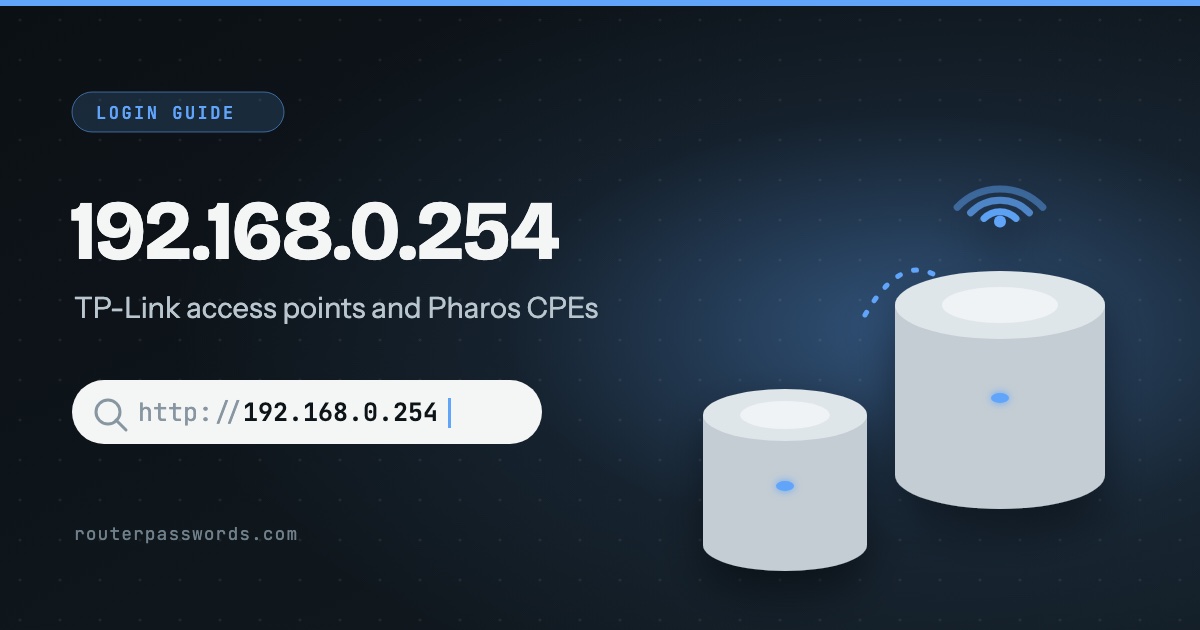
192.168.0.254 is where TP-Link puts the settings page of its access points and outdoor CPE units when they come out of the box. It is rarely a router. And there is a catch that trips most people up: once the access point is plugged into your router, the router hands it a new address and 192.168.0.254 stops answering.
- Who uses it
- TP-Link Omada EAP access points in standalone mode, TL-WA access points such as the TL-WA801N and TL-WA901ND, and Pharos CPE and WBS outdoor units.
- Default login
admin/adminon Omada EAPs, Pharos units and older TL-WA models. Newer TL-WA models ask you to create a password.- Name instead
tplinkap.neton TL-WA access points,tplinkeap.neton Omada (over Wi-Fi only).- When it works
- Only while nothing else has given the unit an address. Omada calls it the fallback address for when there is no DHCP server.
How to log in at 192.168.0.254
tplinkap.net or tplinkeap.net.- Take it off the network. Connect your computer straight to the access point with a cable, or to the LAN port on its PoE adapter. Leave your main router out of it for now.
- Give the computer a fixed address. In the network settings, set the IP to
192.168.0.10and the mask to255.255.255.0. TP-Link’s guides allow anything from 192.168.0.2 to 192.168.0.253. - Open the page. Current Omada firmware uses
https://192.168.0.254and shows a certificate warning, which is safe to pass on your own device. Older units and the TL-WA range usehttp://192.168.0.254. - Sign in. Try
adminfor both fields. Omada and Pharos then make you choose a new username and password before you go any further. - Put the computer back. Switch its network settings back to automatic when you have finished.
Which devices use 192.168.0.254
In our data and in TP-Link’s own documentation it is almost always TP-Link kit that sits between your router and the devices that need Wi-Fi:
- Omada EAP ceiling and wall access points, when they are not managed by an Omada controller.
- TL-WA access points: TP-Link lists the TL-WA701ND, TL-WA801N, TL-WA801ND, TL-WA901N, TL-WA901ND, TL-WA1201, TL-WA3001 and the AP200, AP300 and AP500.
- Pharos outdoor units: the CPE210, CPE220, CPE510, CPE520 and CPE610, and the WBS210 and WBS510 base stations.
A home broadband hub on 192.168.1.254 is a different thing altogether. BT, EE, Plusnet and AT&T use that one, and our 192.168.1.254 guide covers it.
TP-Link logins on 192.168.0.254
| Device | Username | Password |
|---|---|---|
| Omada EAP, standalone | admin |
admin, then you must set a new one |
| Pharos CPE and WBS | admin |
admin, then you must set a new one |
| TL-WA901ND, TL-WA801ND (older) | admin |
admin |
| TL-WA801N v6 and newer TL-WA | None | You create one at the first login |
Because the Omada and Pharos units force a new login straight away, admin / admin only works on one that has never been set up, or one that has just been reset. For TP-Link’s routers, which live on 192.168.0.1 or tplinkwifi.net, see the TP-Link router password page.
It worked once and now 192.168.0.254 will not open
- Your router gave it a new address. This is the usual reason. TP-Link says so plainly: once the access point is connected to the main router, the default address might not work. Open your router’s list of connected devices (often called DHCP clients) and look for the TP-Link. Type the address shown there.
- An Omada controller has adopted it. A managed EAP has no standalone page at all. Forget the device in the controller, or reset it, to get the standalone page back.
- You are using the name over a cable.
tplinkeap.netonly works from a phone or laptop on the EAP’s Wi-Fi, with a DHCP server on the network. Over a cable, use the number. - Your computer is on a different range. A laptop on 192.168.1.x cannot see 192.168.0.254. That is what the fixed address in step 2 is for.
Resetting a TP-Link access point
If the address and the password are both lost, hold the reset button with the unit powered on. TP-Link keeps a separate reset guide for its access points and extenders with the hold time for each model. Afterwards the unit is back on 192.168.0.254 with the factory login from the table above, and any Wi-Fi it was broadcasting is gone until you set it up again.
Other common router addresses
Addresses with a guide of their own are linked.
| Address | Typically | Used by, in our data |
|---|---|---|
192.168.1.1 | The most common address | Linksys, ZyXEL, DrayTek, Westell, Vodafone, PLDT, Converge, TalkTalk and 39 more |
192.168.0.1 | The second most common | NETGEAR, D-Link, TP-Link, Tenda, Sky, Virgin Media, NOW Broadband, Spectrum and 13 more |
192.168.1.254 | Many ISP hubs and gateways | Billion, 2Wire, Netopia, GIGABYTE, BT, EE, Plusnet, AT&T and 6 more |
192.168.2.1 | Belkin and some Canadian providers | Belkin, Edimax, SMC, Deutsche Telekom, Bell, Virgin Plus |
10.0.0.1 | Cable gateways from large ISPs | Xfinity, Rogers, Videotron |
192.168.8.1 | 4G and 5G home routers | DITO, Three, Zong |
192.168.50.1 | Current ASUS routers | ASUS |
192.168.100.1 | Fibre boxes and cable modems | Huawei, ubee, EchoLife |
192.168.3.1 | Huawei home Wi-Fi routers | Huawei |
192.168.178.1 | Every FRITZ!Box | AVM, Zen, 2degrees |
192.168.10.1 | TRENDnet, Wavlink and repeaters | TRENDnet, Wavlink |
192.168.31.1 | Xiaomi and Redmi routers | Xiaomi |
192.168.11.1 | Buffalo AirStation routers | Buffalo |
192.168.88.1 | MikroTik RouterOS | MikroTik |
10.1.1.1 | iiNet and Internode modems | iiNet, Internode |
192.168.254 and other typing mistakes
This one is a surprise. Type 192.168.254, with the zero left out, and browsers read it as 192.168.0.254, so it often works anyway. 192.168.0.254.1 has a number too many and goes to a search engine. The one to watch is 192.168.1.254: one digit away, and a completely different box.
Questions people ask
Is 192.168.0.254 my router?
Probably not. It is the factory address of TP-Link access points and outdoor units. Your router is more likely on 192.168.0.1 or 192.168.1.1, and the default gateway in your network settings will tell you which.
Can I set up a TP-Link access point from my phone?
Yes. Join the access point’s own Wi-Fi network, turn off mobile data for a minute, and open tplinkap.net or tplinkeap.net in the browser. TP-Link’s Omada app does the same job for EAPs.