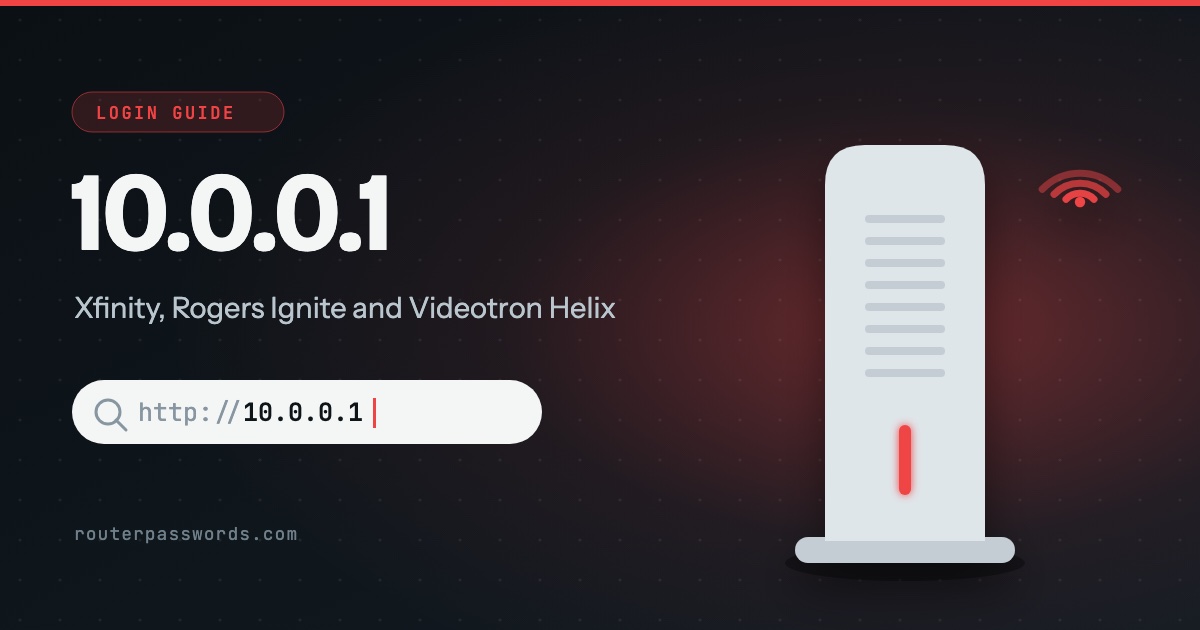
10.0.0.1 is the settings page of an Xfinity gateway. Rogers Ignite gateways in Canada are Xfinity hardware and use it too, and so does the Videotron Helix Fi in Quebec. The username is admin on all of them. The password is where they differ, and on the newest Xfinity gateways the page refuses every password until you switch it on in the app.
- Who uses it
- Xfinity (Comcast), Rogers Ignite and Videotron Helix.
- Username
admin- Password
- On an XB6 or newer Xfinity gateway, one you create in the Xfinity app. On the others, the code printed on the label underneath.
- Address to type
http://10.0.0.1. Rogers useshttps://10.0.0.1.
How to log in at 10.0.0.1
- Connect to the gateway. Join its Wi-Fi or plug in a cable. On a phone, turn off mobile data and any VPN for a minute so the request stays inside the house.
- Type the address. Enter
http://10.0.0.1in the address bar, not a search box. On a Rogers gateway the browser warns about the certificate. Rogers says to carry on past it. - Sign in as admin. The username is
admin. The password comes from the table below. - Change it if the page asks. A Rogers gateway makes you set a new password the first time. Do it, and write the new one down somewhere other than the label.
Which providers use 10.0.0.1
These are the providers in our database whose gateways keep their settings at 10.0.0.1. Each name links to its page.
Login by provider and gateway
| Provider | Gateway | Username | Password |
|---|---|---|---|
| Xfinity | XB6, XB7, XB8, XB10 | admin |
The one you create when you turn on Admin Tool in the Xfinity app |
| Xfinity | XB2, XB3 | admin |
The password on the sticker on the bottom |
| Rogers | Ignite (Xfinity Gateway Gen 1, 2 and 3) | admin |
The unique code on the bottom label, then one you set |
| Videotron | Helix Fi | admin |
The field marked Password on the label under the gateway |
Xfinity: the page will not take any password
This is the usual reason people land here. On an XB6, XB7, XB8 or XB10 the browser Admin Tool is switched off when the gateway arrives, and while it is off the login at 10.0.0.1 turns every password away.
- Open the Xfinity app and go to WiFi.
- Tap View WiFi equipment, then Advanced settings.
- Turn on Admin Tool online access and create the password when asked.
- Go back to
http://10.0.0.1and sign in withadminand that password.
Xfinity says customers who turned access on before February 2026 may still be on the password from the sticker. Try that first if you are sure it was enabled years ago.
Rogers: Ignite or an older modem?
Only the Ignite gateways sit on 10.0.0.1. Older Rogers cable modems, the Hitron CGN3, CGN2 and CODA, the Cisco DPC3825 and the SMC D3GN, open at http://192.168.0.1 instead, with the username cusadmin and the password password. The 192.168.0.1 guide covers those.
10.0.0.1 and Piso WiFi
In the Philippines, 10.0.0.1 is also the portal of coin-operated Piso WiFi machines. That page is where you check the time left on your connection or pause it. It belongs to whoever runs the machine, so there is no router password on it for you to find, and the admin side is the operator’s.
Is my gateway really on 10.0.0.1?
Not if it came from another provider. Most home routers use 192.168.1.1 or 192.168.0.1. The default gateway of a connected device is the real address: run ipconfig on Windows, or on an iPhone open Settings, then Wi-Fi, and tap the (i) beside your network. The 192.168.1.1 guide has the steps for Mac, Android and Linux.
Other common router addresses
Addresses with a guide of their own are linked.
| Address | Typically | Used by, in our data |
|---|---|---|
192.168.1.1 | The most common address | Linksys, ZyXEL, DrayTek, Westell, Vodafone, PLDT, Converge, TalkTalk and 39 more |
192.168.0.1 | The second most common | NETGEAR, D-Link, TP-Link, Tenda, Sky, Virgin Media, NOW Broadband, Spectrum and 13 more |
192.168.1.254 | Many ISP hubs and gateways | Billion, 2Wire, Netopia, GIGABYTE, BT, EE, Plusnet, AT&T and 6 more |
192.168.2.1 | Belkin and some Canadian providers | Belkin, Edimax, SMC, Deutsche Telekom, Bell, Virgin Plus |
10.0.0.1 | Cable gateways from large ISPs | Xfinity, Rogers, Videotron |
192.168.8.1 | 4G and 5G home routers | DITO, Three, Zong |
192.168.50.1 | Current ASUS routers | ASUS |
192.168.100.1 | Fibre boxes and cable modems | Huawei, ubee, EchoLife |
192.168.3.1 | Huawei home Wi-Fi routers | Huawei |
192.168.178.1 | Every FRITZ!Box | AVM, Zen, 2degrees |
192.168.10.1 | TRENDnet, Wavlink and repeaters | TRENDnet, Wavlink |
192.168.31.1 | Xiaomi and Redmi routers | Xiaomi |
192.168.11.1 | Buffalo AirStation routers | Buffalo |
192.168.88.1 | MikroTik RouterOS | MikroTik |
10.0.0.0.1 and other typing mistakes
The address is four numbers. 10.0.0.0.1 has five and goes nowhere. Neither does 10.0.0.l, ending in a letter l, or 10.0.1 with a number missing. 10.0.0.10 or 10.0.0.138 are real addresses, but on an Xfinity network they would be a phone or a laptop, not the gateway.
It still will not open
- Your own router is plugged into the gateway. If a router or mesh system of your own hands out the addresses, your devices are talking to it and not to the gateway. The gateway behind it may only answer a laptop plugged straight into it.
- You are on the guest network or an Xfinity hotspot. Neither one reaches the settings page. Join your own Wi-Fi name.
- Menus are missing once you are in. Early in 2026 an update hid the Bridge Mode switch on some XB6 to XB10 gateways. Xfinity says a fix has been pushed. Restarting the gateway from the app is worth a try before anything drastic.
For the less obvious causes, see why the router page will not load when the internet works fine.
The password is refused
The label only ever shows the original password. If someone changed it, that is the one you need, and the way back without it is a reset.
- Xfinity XB6 and newer: the admin password is created in the Xfinity app, under the same Advanced settings where Admin Tool access is switched on. Start there, not with the reset button.
- Rogers Gen 2 and Gen 3: hold the WPS button on the back, above the phone ports, for at least 30 seconds, until the top light flashes green quickly.
- Rogers Hitron CGN3: hold the Reset button on the back for 10 seconds.
- Videotron Helix Fi: Videotron says the password on the label is the one to use, including straight after a reset.
A full reset also puts the Wi-Fi name and password back to the label, so every device has to join again. Read how to find your router password before you press anything.
Questions people ask
Is the admin password the same as my Wi-Fi password?
No. The Wi-Fi password lets devices join the network and is changed in the Xfinity or Rogers app. The admin password only opens the pages at 10.0.0.1. If it is the Wi-Fi one you want, here is how to find it.
Can I open 10.0.0.1 on my phone?
Yes, while the phone is on the gateway’s Wi-Fi. On mobile data it reaches nothing, because 10.0.0.1 only exists inside your home network.
Did Xfinity email me to update my gateway firmware?
Almost certainly not. Xfinity installs gateway updates itself, usually overnight, and a member of its staff said in May 2026 that it has not been emailing customers about firmware. Treat that email as a scam.