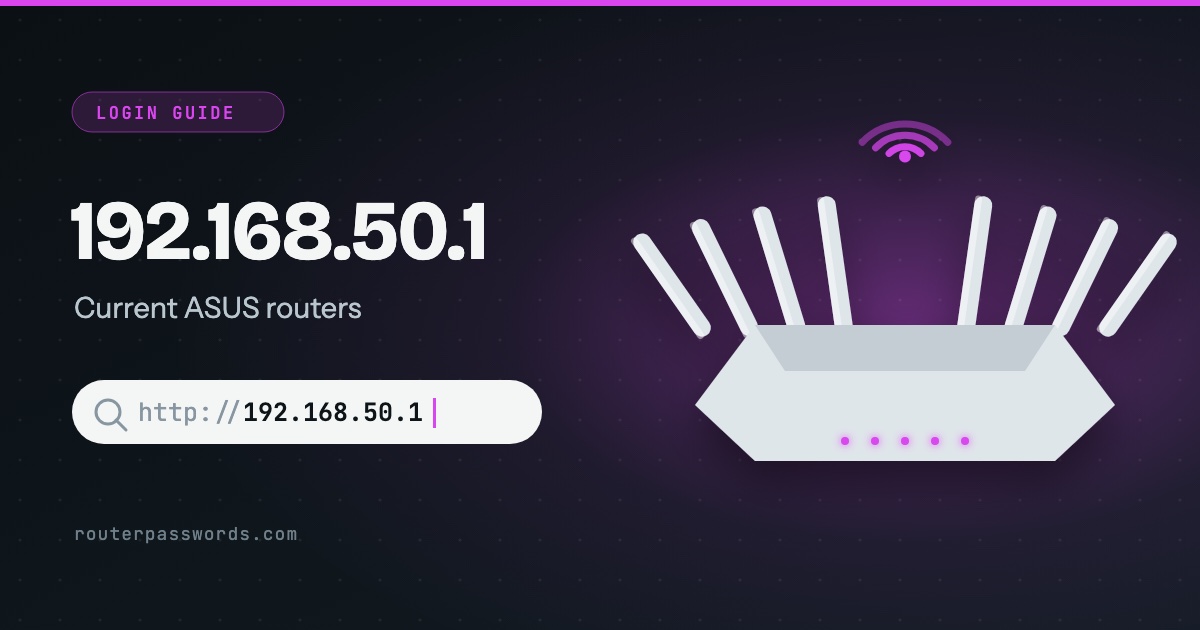
192.168.50.1 is the login address of current ASUS routers. Older ASUS models used 192.168.1.1, so if you have a router from the RT-N or early RT-AC years, start there. The newer ones do not come with a password you can look up. They make you create one the first time you log in, which is why the admin / admin printed in old manuals so often fails.
- Who uses it
- ASUS, on its newer RT, ROG and ZenWiFi routers.
- Easier to type
router.asus.comorwww.asusrouter.com, from a device on the router’s Wi-Fi.- Username and password
- Whatever was chosen at setup. Some models print a login on the label.
- Factory reset
- Hold Reset for at least 5 seconds with the router on, until the power light flashes.
How to log in at 192.168.50.1
router.asus.com.- Connect to the router. Join its Wi-Fi or use a cable. On a phone, turn off mobile data and any VPN for a minute.
- Type the address. Enter
http://192.168.50.1in the address bar. If that fails,router.asus.comfinds the router whatever address it is on. - Sign in with the login you made at setup. If nobody has set the router up yet, the page runs the Quick Internet Setup wizard instead and asks you to choose a username and password.
- Check the label if you never chose one. ASUS says some models take their default login from the sticker on the back or bottom.
Which routers use 192.168.50.1
In our database it is ASUS alone. Other makers keep their routers on the more common addresses further down this page.
Router and network makers (1)
Some of these also answer on a name you can type instead of the number. ASUS: www.asusrouter.com.
ASUS logins by model
| Routers | Username | Password |
|---|---|---|
| RT, ROG and ZenWiFi on current ASUSWRT firmware | Set at first login | Set at first login |
| Models with a login on the label | On the label | On the label |
| Older RT-N and RT-AC models, DSL-N modems | admin |
admin |
The full list, model by model, is on the ASUS default password page.
Why admin / admin does not work
The manuals still print it. Current ASUS firmware ignores it. The first login on a new router, and the first login after a reset, sends you through Quick Internet Setup, and that wizard will not finish until you pick your own username and password. So on any router that has been set up, the factory pair is gone, and the only login that works is the one somebody chose. If that person is not you and cannot be asked, reset the router.
192.168.50.1 or 192.168.1.1?
It depends on the model and its age. Try 192.168.50.1 on anything bought in the last few years, and 192.168.1.1 on older units. router.asus.com settles it, because the router answers that name on either address. Failing that, look up the default gateway: run ipconfig on Windows, or on an iPhone open Settings, then Wi-Fi, and tap the (i) beside your network. The 192.168.1.1 guide has the steps for Mac, Android and Linux.
AiMesh: which router do I log in to?
The main one. In an AiMesh system the extra nodes are set up and managed from the router your modem plugs into, so 192.168.50.1 opens that one and shows the nodes inside it.
Other common router addresses
If your router is not an ASUS, it is probably on one of these. Addresses with a guide of their own are linked.
| Address | Typically | Used by, in our data |
|---|---|---|
192.168.1.1 | The most common address | Linksys, ZyXEL, DrayTek, Westell, Vodafone, PLDT, Converge, TalkTalk and 39 more |
192.168.0.1 | The second most common | NETGEAR, D-Link, TP-Link, Tenda, Sky, Virgin Media, NOW Broadband, Spectrum and 13 more |
192.168.1.254 | Many ISP hubs and gateways | Billion, 2Wire, Netopia, GIGABYTE, BT, EE, Plusnet, AT&T and 6 more |
192.168.2.1 | Belkin and some Canadian providers | Belkin, Edimax, SMC, Deutsche Telekom, Bell, Virgin Plus |
10.0.0.1 | Cable gateways from large ISPs | Xfinity, Rogers, Videotron |
192.168.8.1 | 4G and 5G home routers | DITO, Three, Zong |
192.168.50.1 | Current ASUS routers | ASUS |
192.168.100.1 | Fibre boxes and cable modems | Huawei, ubee, EchoLife |
192.168.3.1 | Huawei home Wi-Fi routers | Huawei |
192.168.178.1 | Every FRITZ!Box | AVM, Zen, 2degrees |
192.168.10.1 | TRENDnet, Wavlink and repeaters | TRENDnet, Wavlink |
192.168.31.1 | Xiaomi and Redmi routers | Xiaomi |
192.168.11.1 | Buffalo AirStation routers | Buffalo |
192.168.88.1 | MikroTik RouterOS | MikroTik |
192.168.50.l and other typing mistakes
192.168.50.l, ending in a letter l, never loads. Nor does 192.168.501 with a dot missing. 192.168.5.1 is a different address altogether, and on an ASUS network it will not reach the router.
It still will not open
- The ASUS sits behind your provider’s box. A device on the ASUS Wi-Fi reaches 192.168.50.1. A device on the provider’s Wi-Fi does not.
- You are on the guest network. ASUS guest networks are normally kept away from the settings page. Join the main one.
- The address was changed. Someone may have moved the router to another range. The default gateway always shows where it is now.
More causes are in why the router page will not load when the internet works fine.
Resetting an ASUS router
With the router switched on, hold the Reset button for at least 5 seconds, until the power light starts to flash. When it comes back, go to 192.168.50.1 and the setup wizard starts again, ready for a new login. The reset also clears the Wi-Fi name and password, so every device has to rejoin. Read how to find your router password before you reach for the paperclip.
Questions people ask
Is the router login the same as the Wi-Fi password?
No. The Wi-Fi password lets devices join. The router login opens the settings at 192.168.50.1. On a new ASUS you choose both in the setup wizard, and many people make them the same, which is worth undoing. To see the Wi-Fi one, here is how to find it.
Can I log in from my phone?
Yes, in a browser while the phone is on the router’s Wi-Fi. ASUS also has the ASUS Router app, which covers most of the same settings.
Can I reach 192.168.50.1 from outside the house?
No. It only exists inside your own network. Every ASUS router in every home has its own 192.168.50.1.