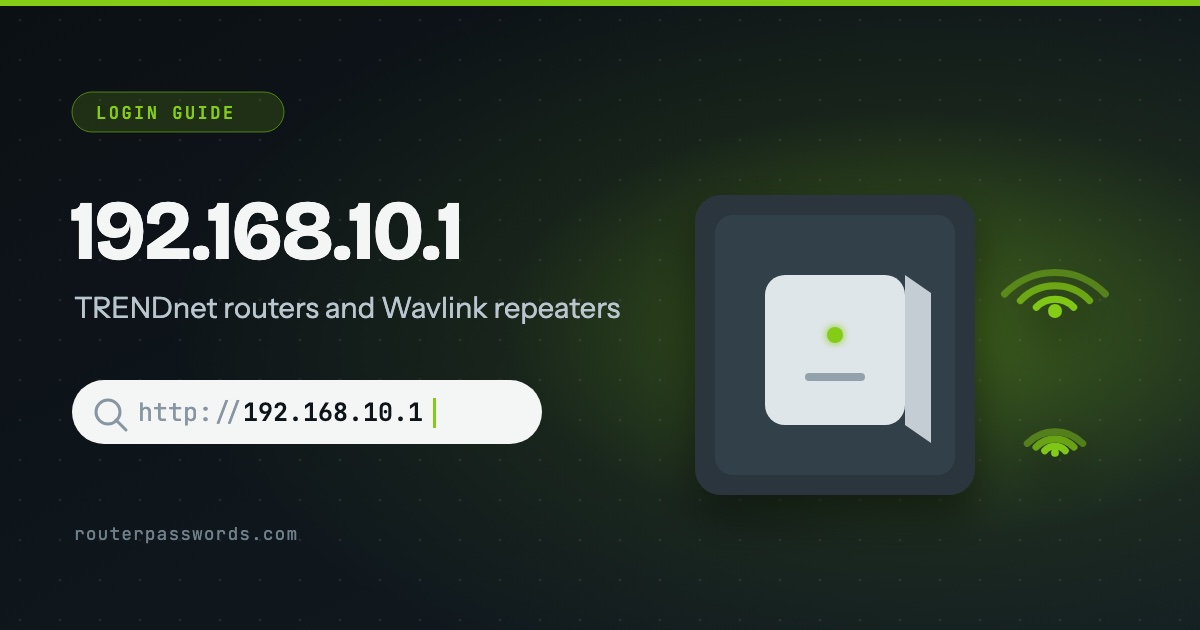
192.168.10.1 is the login address of TRENDnet routers and of Wavlink routers and Wi-Fi repeaters. Most of them still use the old shared login, admin for both boxes. The exceptions are newer TRENDnet routers with a password of their own printed on a sticker, and repeaters, which change address once they join your main router.
- Who uses it
- TRENDnet routers, and Wavlink routers and repeaters.
- Username
admin. On Wavlink it can often be left blank.- Password
- Usually
admin. Newer TRENDnet routers: the password on the sticker. - Repeater already set up?
- A Wavlink repeater joined to your router opens at
http://ap.setup.
How to log in at 192.168.10.1
ap.setup on a set-up Wavlink repeater.- Connect to the device. Join its Wi-Fi or plug in a cable. A brand-new repeater broadcasts its own Wi-Fi name, printed on its label. On a phone, turn off mobile data and any VPN for a minute.
- Type the address. Enter
http://192.168.10.1in the address bar. TRENDnet’s support pages givehttps://192.168.10.1, so try that if the plain one fails. - Sign in. Username
admin, password from the table below. - Change the password.
adminis printed in manuals and on pages like this one, and anyone on your Wi-Fi can try it.
Which makers use 192.168.10.1
Login by model
| Maker | Devices | Username | Password |
|---|---|---|---|
| TRENDnet | TEW-632BRP, TEW-651BR, TEW-652BRP | admin |
admin |
| TRENDnet | TEW-639GR | admin |
None: leave it blank |
| TRENDnet | TEW-731BR and other newer models | admin |
The unique password on the sticker on top and on the label underneath |
| Wavlink | Routers and Wi-Fi repeaters | admin or blank |
admin |
On TRENDnet, look at the router before typing anything. If there is a sticker with a password on it, that is the one. If there is not, it is an older model and admin is the likely answer.
Wavlink: wifi.wavlink.com and ap.setup
Older Wavlink boxes and manuals print wifi.wavlink.com as the login address. One of Wavlink’s own pages now says that name no longer works and to use the IP address, so type 192.168.10.1. A Wavlink repeater is different once it is set up. It joins your main router, takes an address from it, and stops answering on 192.168.10.1. Wavlink says to type http://ap.setup to reach it from then on.
Unbranded Wi-Fi repeaters
Many cheap repeaters sold online carry no brand at all. Some use 192.168.10.1 and some do not. The label on the plug, or the leaflet in the box, gives the address and the login. If the label says 192.168.10.1, try admin / admin first.
Is my router really on 192.168.10.1?
Not if it is not a TRENDnet or a Wavlink. Most routers use 192.168.1.1 or 192.168.0.1. The default gateway of a connected device is the real address: run ipconfig on Windows, or on an iPhone open Settings, then Wi-Fi, and tap the (i) beside your network. The 192.168.1.1 guide has the steps for Mac, Android and Linux.
Other common router addresses
Addresses with a guide of their own are linked.
| Address | Typically | Used by, in our data |
|---|---|---|
192.168.1.1 | The most common address | Linksys, ZyXEL, DrayTek, Westell, Vodafone, PLDT, Converge, TalkTalk and 39 more |
192.168.0.1 | The second most common | NETGEAR, D-Link, TP-Link, Tenda, Sky, Virgin Media, NOW Broadband, Spectrum and 13 more |
192.168.1.254 | Many ISP hubs and gateways | Billion, 2Wire, Netopia, GIGABYTE, BT, EE, Plusnet, AT&T and 6 more |
192.168.2.1 | Belkin and some Canadian providers | Belkin, Edimax, SMC, Deutsche Telekom, Bell, Virgin Plus |
10.0.0.1 | Cable gateways from large ISPs | Xfinity, Rogers, Videotron |
192.168.8.1 | 4G and 5G home routers | DITO, Three, Zong |
192.168.50.1 | Current ASUS routers | ASUS |
192.168.100.1 | Fibre boxes and cable modems | Huawei, ubee, EchoLife |
192.168.3.1 | Huawei home Wi-Fi routers | Huawei |
192.168.178.1 | Every FRITZ!Box | AVM, Zen, 2degrees |
192.168.10.1 | TRENDnet, Wavlink and repeaters | TRENDnet, Wavlink |
192.168.31.1 | Xiaomi and Redmi routers | Xiaomi |
192.168.11.1 | Buffalo AirStation routers | Buffalo |
192.168.88.1 | MikroTik RouterOS | MikroTik |
192.168.10.l and other typing mistakes
192.168.10.l, ending in a letter l, never loads. 192.168.1.10 has the numbers swapped and is usually a computer or phone on a 192.168.1.x network, not a router. 192.168.101 is missing a dot and goes nowhere.
The password is refused
Someone has changed it. There is no way to read it back, so the route in is a factory reset, which also wipes the Wi-Fi name and password.
- TRENDnet: with the router switched on, press and hold the reset button on the back for about 15 seconds. On the TEW-731BR the button is marked WPS/Reset, and 10 seconds is enough.
- Wavlink routers: hold the reset button for about 8 seconds with the router powered on. Wavlink gives 8 to 15 seconds across its products, so hold longer if nothing happens.
After the reset, log in with the factory details above and set a new password straight away. How to find your router password has the options to try first.
Questions people ask
Is the admin password the same as the Wi-Fi password?
No. The Wi-Fi password lets devices join. The admin password opens the settings at 192.168.10.1. If it is the Wi-Fi one you need, here is how to find it.
Can I open 192.168.10.1 on my phone?
Yes, in a browser while the phone is on the router’s or repeater’s Wi-Fi. On mobile data it reaches nothing.
Why did my repeater stop opening at 192.168.10.1?
Because it now gets its address from your main router. Use http://ap.setup on a Wavlink, or find the repeater in your main router’s list of connected devices.