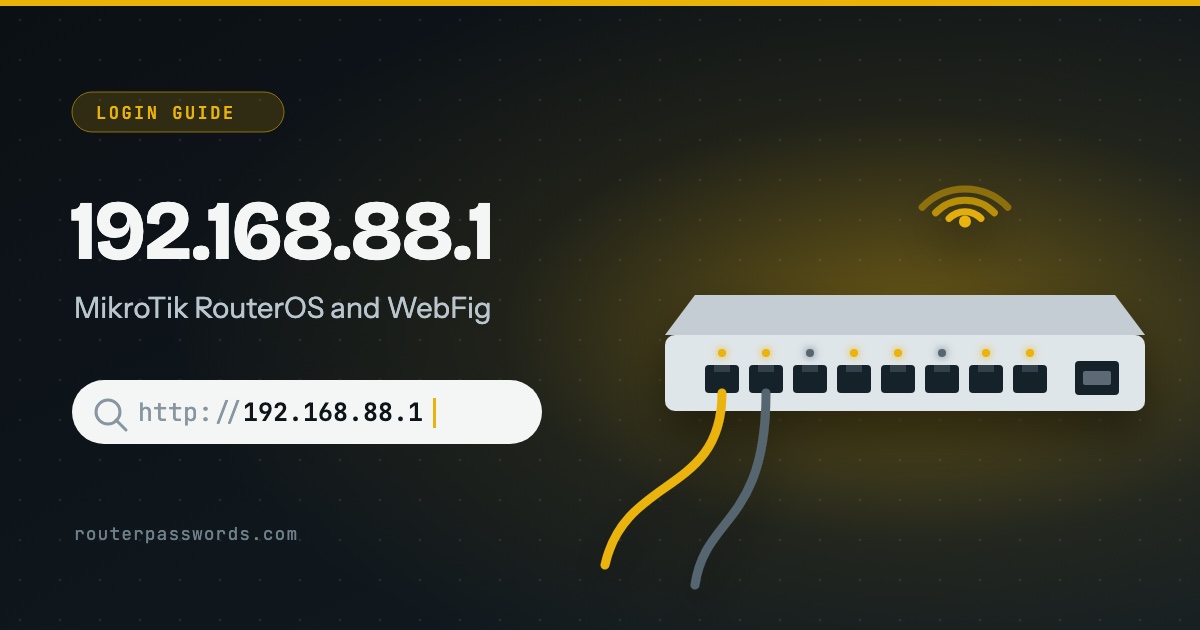
192.168.88.1 is the address MikroTik routers give themselves in their default configuration, and it opens WebFig, RouterOS in a browser. The username is always admin. The password depends on the age of the unit: older MikroTiks have none, and current ones ship with a password of their own printed on the serial-number sticker.
- Who uses it
- MikroTik routers and switches running RouterOS with the default configuration.
- Username
admin- Password
- Older units: none. Current units: the unique password on the serial-number sticker.
- Address unknown?
- Winbox finds the router by its MAC address.
How to log in at 192.168.88.1
- Plug in to a LAN port. On most home models the first port, ether1, is the internet side in the default configuration. Use any other, or join the router’s Wi-Fi on wireless models.
- Type the address. Enter
http://192.168.88.1to reach WebFig. - Sign in as admin. Leave the password empty on an older unit. On a current one, use the password from the sticker.
- Set a password if asked. Newer RouterOS versions ask for one when the old was blank. Do it now, because
adminwith no password is the first thing anyone tries.
Which routers use 192.168.88.1
Router and network makers (1)
Where the password is printed
MikroTik says current units carry a unique default password, and it is printed in three places:
- the serial-number sticker on the device
- the serial-number sticker on the box
- the printed Quick Guide that came with it
On some indoor wireless models, the hAP ac³ and hAP ax³ among them, the sticker sits inside a small compartment on the underside, near the Ethernet ports. If you cannot find it anywhere, MikroTik says to ask the distributor or seller, quoting the serial number. MikroTik adds that some custom-branded units use a different default altogether.
| Unit | Username | Password |
|---|---|---|
| Older RouterBOARD, CRS and CCR units | admin |
None: leave it blank |
| Current production units | admin |
The unique password on the serial-number sticker |
The MikroTik page lists every model we have.
192.168.88.1 will not open
- You are on the internet port. The default configuration keeps WebFig off the internet side. Move the cable to another port.
- The router has no default configuration. A unit that was reset without defaults, or set up by hand, may have no address at all on your side. Winbox, MikroTik’s own tool, connects by MAC address and works anyway.
- Someone changed the address. The default gateway of a connected device shows the current one. On Windows run
ipconfig.
For the less obvious causes, see why the router page will not load when the internet works fine.
The password is refused
Someone set a new one. A configuration reset brings back the factory login, and MikroTik notes that it re-applies the same password printed on the sticker, so keep that sticker. If the sticker is gone and the distributor cannot help, MikroTik’s fallback is to reinstall RouterOS with Netinstall, which wipes the configuration. A reset also removes every other setting. How to find your router password covers the other options.
Other common router addresses
Addresses with a guide of their own are linked.
| Address | Typically | Used by, in our data |
|---|---|---|
192.168.1.1 | The most common address | Linksys, ZyXEL, DrayTek, Westell, Vodafone, PLDT, Converge, TalkTalk and 39 more |
192.168.0.1 | The second most common | NETGEAR, D-Link, TP-Link, Tenda, Sky, Virgin Media, NOW Broadband, Spectrum and 13 more |
192.168.1.254 | Many ISP hubs and gateways | Billion, 2Wire, Netopia, GIGABYTE, BT, EE, Plusnet, AT&T and 6 more |
192.168.2.1 | Belkin and some Canadian providers | Belkin, Edimax, SMC, Deutsche Telekom, Bell, Virgin Plus |
10.0.0.1 | Cable gateways from large ISPs | Xfinity, Rogers, Videotron |
192.168.8.1 | 4G and 5G home routers | DITO, Three, Zong |
192.168.50.1 | Current ASUS routers | ASUS |
192.168.100.1 | Fibre boxes and cable modems | Huawei, ubee, EchoLife |
192.168.3.1 | Huawei home Wi-Fi routers | Huawei |
192.168.178.1 | Every FRITZ!Box | AVM, Zen, 2degrees |
192.168.10.1 | TRENDnet, Wavlink and repeaters | TRENDnet, Wavlink |
192.168.31.1 | Xiaomi and Redmi routers | Xiaomi |
192.168.11.1 | Buffalo AirStation routers | Buffalo |
192.168.88.1 | MikroTik RouterOS | MikroTik |
192.168.88.l and other typing mistakes
192.168.88.l, ending in a letter l, never loads. 192.168.881 is missing a dot. 192.168.8.1 is a different address, used by 4G and 5G routers and covered in the 192.168.8.1 guide.
Questions people ask
Is there a MikroTik master password?
No. Older units have a blank password, newer ones have their own printed on the sticker, and a changed password cannot be read back. A reset or Netinstall is the only way past a forgotten one.
WebFig or Winbox?
Both run the same RouterOS settings. WebFig is the browser page at 192.168.88.1. Winbox is MikroTik’s app, and it can find the router even when you do not know its address.